Lily × WebMCP
Lily WebMCP brings Apple Ads analysis into ChatGPT.
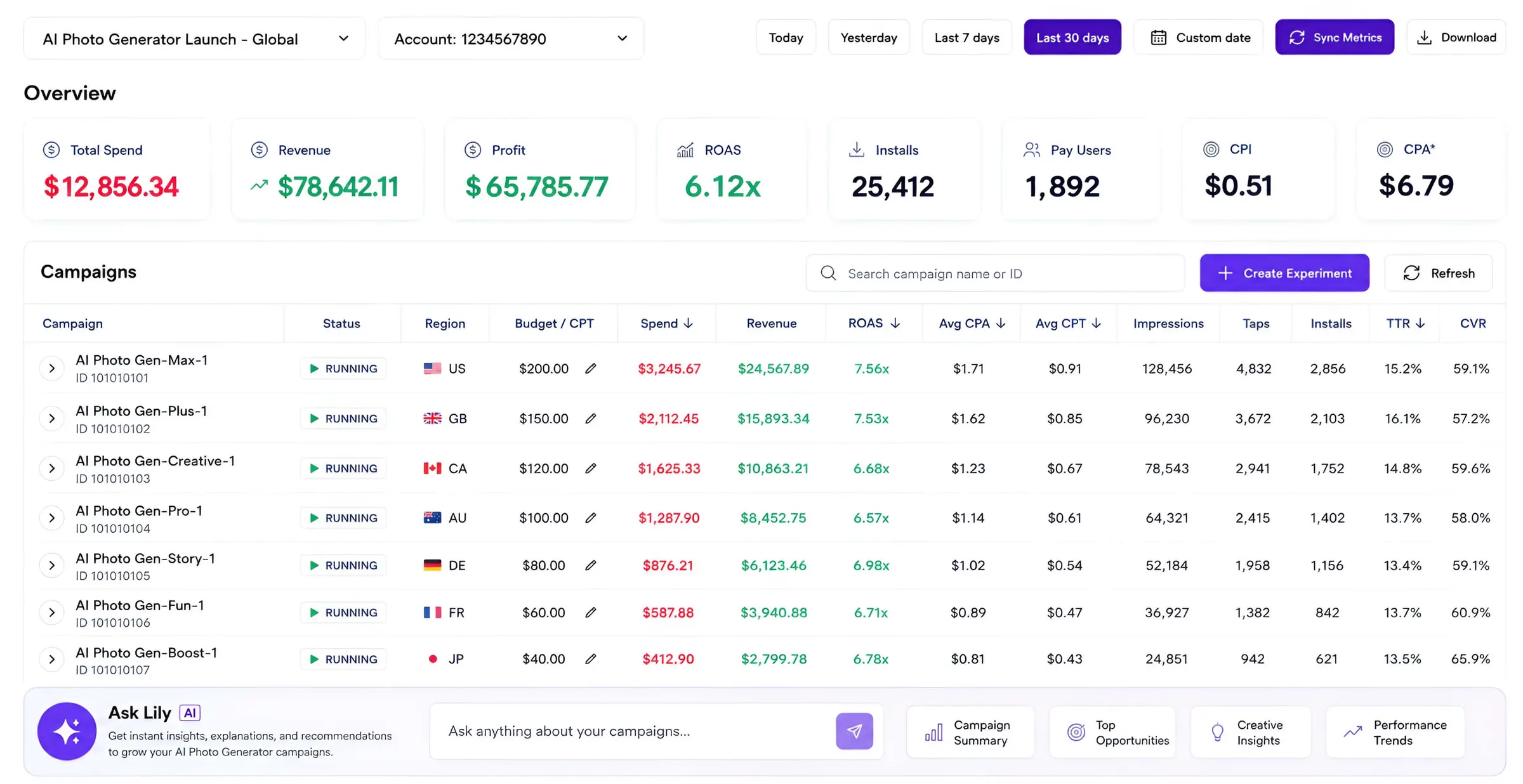
Open the Lily Ads dashboard in a compatible ChatGPT browser. ChatGPT can discover Lily's authorized, read-only tools and analyze spend, revenue, ROAS, keyword settings, and recent changes—without a separate MCP connection.
WebMCP requires a compatible AI browser. A regular Chrome tab does not expose site tools by itself.
You
How did my Apple Ads perform yesterday?
ChatGPT uses
lily_ads_reports_diagnose
Lily returns
Revenue-aware findings, next steps, and Lily Calls usage.
How it works
Open the page. Ask the question. Lily does the analysis.
WebMCP turns the authenticated page you are already viewing into a secure tool surface for the AI assistant.
Sign in to Lily
Open the Lily Ads dashboard so your existing browser session and app access can be verified.
Ask in ChatGPT
In a browser that supports WebMCP, ask about spend, ROAS, keywords, or recent changes.
Get a sourced answer
ChatGPT calls the shared Lily execution core and returns the same analysis used by Lily MCP.
Available at launch
Six focused tools. All read only.
The first release is intentionally narrow: enough to investigate performance, with no path to change an Apple Ads account.
Discover apps
Find the apps and Apple IDs available to your Lily account.
FreeDiagnose performance
Explain spend, revenue, ROAS, and the next recommended move.
1 CallSummarize revenue
Read revenue-aware campaign, ad group, or keyword performance.
1 CallLook up keyword settings
Read bid, default bid, and CPA goal for an authorized keyword.
1 CallList recent changes
Review Lily's execution audit for an authorized app.
1 CallExplain changes
Compare performance shifts with Lily's recent action history.
1 CallOne usage model
WebMCP uses the Lily Calls you already have.
Ask Lily, Remote MCP, and WebMCP share one allowance. There is no separate WebMCP add-on or second billing system.
One shared Calls pool
0 Calls
Opening pages, browsing the dashboard, and discovering apps are free.
1 Call
A successful paid analysis uses one Call. Failed calls do not reduce the allowance.
The response includes the number charged, remaining Calls, and the reset time.
Read-only by design
Insight without account changes.
WebMCP reuses Lily's existing authorization and validation, but the launch allowlist excludes every write and approval tool.
Questions
What changes—and what does not.
Does WebMCP replace Remote MCP?+
No. WebMCP uses the signed-in Lily webpage session. Remote MCP continues to serve ChatGPT, Claude, Codex, and other clients that connect through OAuth.
Will it work in any Chrome tab?+
No. The browser or AI host must support WebMCP and inject the site-tool API. Opening Lily in regular Chrome alone does not expose tools.
Can ChatGPT change my Apple Ads account?+
No. For account safety, WebMCP only allows ChatGPT to read and analyze Apple Ads data. It cannot create, pause, or change campaigns, budgets, bids, or keywords.
Open Lily. Bring the live context into the conversation.
Sign in to your Ads dashboard from a compatible ChatGPT browser to make Lily's read-only tools available.